/images/clemens.jpg

Hi! I'm Clemens Schotte,

Enthusiastic storyteller with a passion for technology

The Commodore 64 Ultimate Arrived

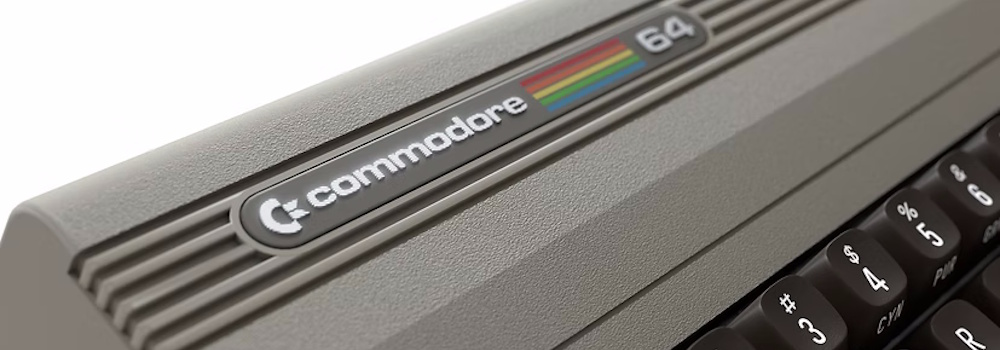
The box arrived today, just in time before the holidays, sitting on my doorstep like a time capsule. The moment I saw the familiar Commodore logo on the packaging, I had to pause. It wasn’t just another retro gadget. It was the Commodore 64. Or at least, as close as we’re ever going to get in 2025.

I tore open the cardboard (carefully, because let’s be honest, I’ll probably keep the box) and there it was: the Commodore 64 Ultimate, in all its beige glory. The weight of it, the shape, even the slight texture of the plastic, it all felt right. Like holding a piece of my childhood again.

I Built an MCP Server (Almost) Without Writing Code

I’ve been watching Model Context Protocol (MCP) servers pop up everywhere as the glue between AI agents and the real world. The pitch is simple: expose tools and data through a standard protocol and suddenly your AI agents can plan trips, analyze documents, query databases, or in my case, work with maps. MCP clicked for me because it’s opinionated where it matters and unopinionated where it shouldn’t. It standardizes how clients and servers talk, but it doesn’t box you into a single stack. Think of it as the USB-C of AI integrations: one cable, many devices.  

Commodore

A personal history in a few very nerdy chapters

Pac-Man

The first “computer” that really knocked on my brain wasn’t even called a computer. It was an Atari 2600 with those giant wood-paneled vibes, a plastic spaceship parked under a living-room TV. Somewhere far from home (friends of my parents), the kind of visit where adults drink coffee forever, I met Pac-Man and the notorious E.T. They weren’t just games, they were a portal. The graphics were blocky miracles, the sound was pure electricity, and my head did that little swivel where a new obsession clicks into place. I didn’t own one. I barely got to touch it. But the idea got in. That was enough.

Building a personal AI chat assistant with semantic search

Why I Built an AI Assistant for My Blog

I wanted my blog to do more than list posts. I wanted visitors to be able to ask natural questions about me, my work, and anything I’ve written, and get answers that cite the right articles without me hand. In my previous post I laid the infrastructure groundwork by running n8n on Azure as an orchestration layer. This article goes deeper into how I assembled the chat assistant itself and wired it to semantic search so it actually “knows” my content rather than doing a brittle keyword lookup.

Podcast about AI agents and Azure Maps MCP server

Last week I joined Geospatial FM, the podcast hosted by Wilfred Waters, to talk about AI agents and the Azure Maps MCP server I had created and bloged about.

We touched on how Bing Maps is the familiar public-facing mapping service, while Azure Maps is the developer platform for bringing mapping, routing, traffic, and spatial analytics into enterprise and IoT apps. The heart of our conversation was about Model Context Protocol (MCP) and why it matters. MCP lets AI agents use tools and pull fresh data from APIs, so instead of guessing about roads, traffic, or places, an agent can call Azure Maps in real time.

Running n8n on Azure to power a AI chat agent

A lightweight Azure backend for my AI agent

Over the past few weeks, I’ve been exploring different ways to power a personal AI agent for my blog, one that can answer questions about me, my background, and my work using context I provide. I wanted a simple, secure, and cost-effective backend that I fully control and can iterate on fast.

n8n is a powerful open-source automation tool that’s perfect for wiring together APIs and logic without having to spin up tons of infrastructure.